 3DP Hub
Max Volumetric Speed Calibration
Published
This parameter dictates the true max speed you can print at before running into flow related issues like underextrusion, poor adhesion and clogging.
Search
1. Introduction
Max Volumetric Speed value varies depending on your material, machine, nozzle diameter, and even your extruder setup, so it’s important to calibrate it for your specific printer and each filament you use.
2. Slicer Compatibility
- Creality Print
- Orca-Flashforge
- Snapmaker Orca
- Helio Additive Edition
- QIDI Studio
- Bambu Studio (Orca is actually a fork of Bambu Studio)
- Sovol 3D Orca
- Pantheon Slicer
- Artillery Orca
3. Maximum Volumetric Flow Rate Calibration
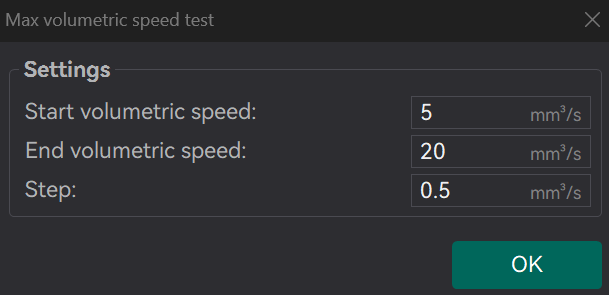
You will be prompted to enter the settings for the test: start volumetric speed, end volumetric speed, and step. It is recommended to use the default values (5mm³/s start, 20mm³/s end, with a step of 0.5), unless you already have an idea of the lower or upper limit for your filament. Select "OK", slice the plate, and send it to the printer.
Choose Max Flowrate from the Calibration menu at the top of the screen.
The default values are fine for most bedslingers. If you have an upgraded hotend or CoreXY printer, set the end speed to the advertised maximum volumetric flow rate (for example 50 for the Microswiss Flowtech)
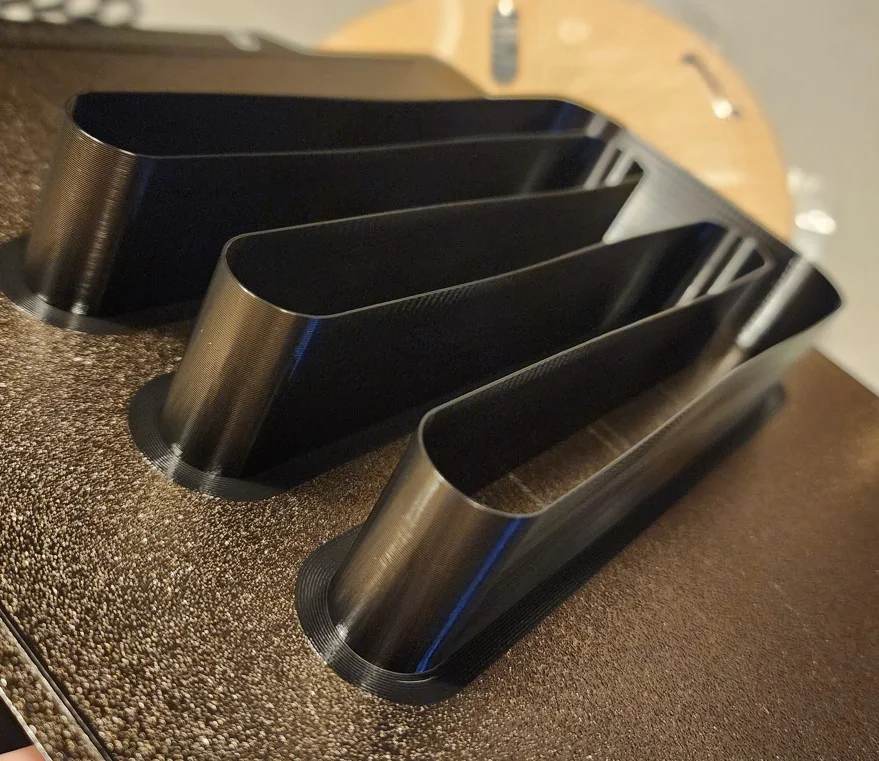
Start the print and check it after a few minutes. Don't be surprised when the quality degrades or it completely fails - that means you've exceeded the maximum volumetric flow rate, and is the whole point of the test.
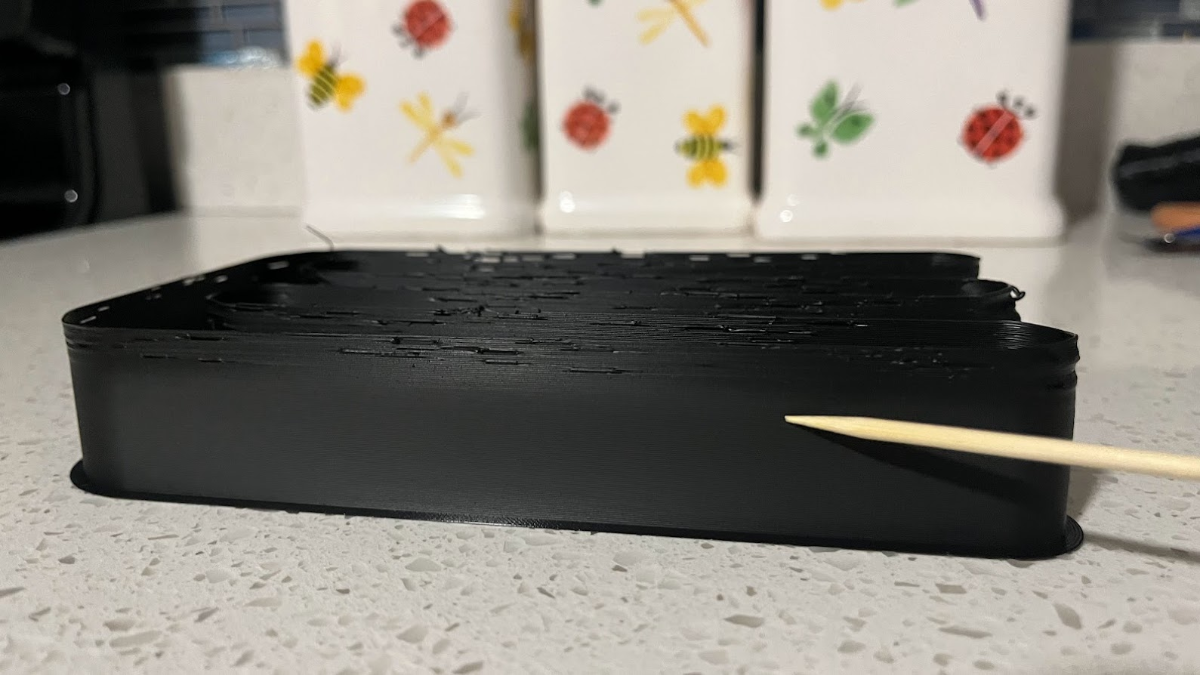
Use calipers or a ruler to measure the height of the model just before the defects begin.
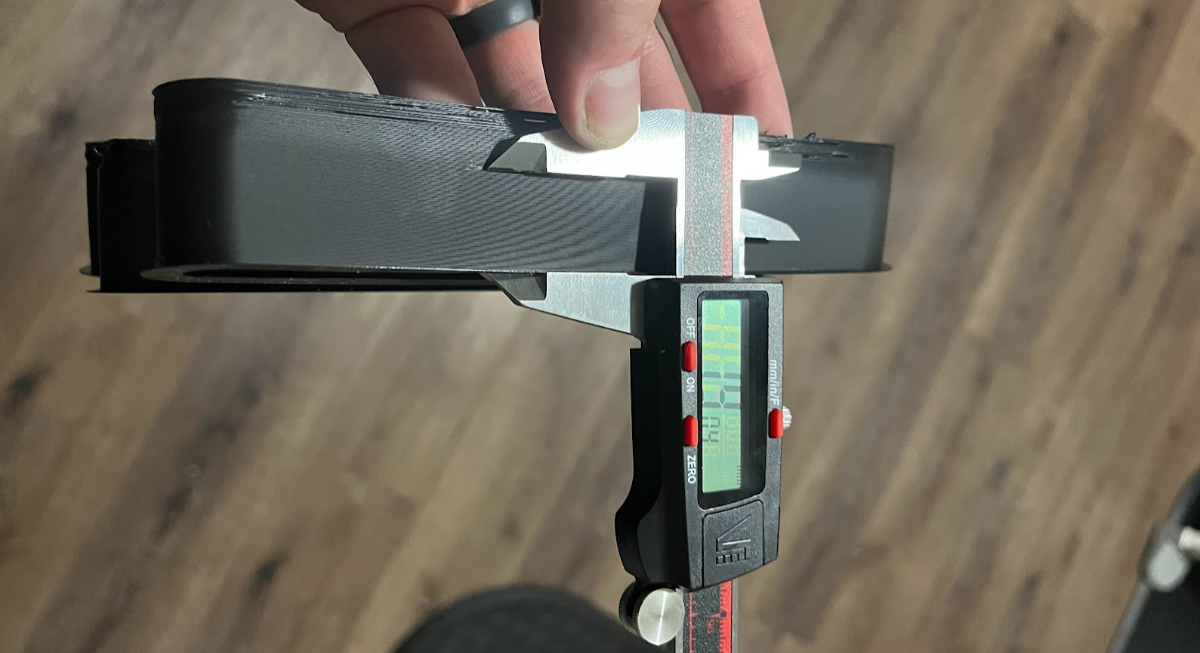
Input this value into the calculator to find the maximum volumetric flow rate.
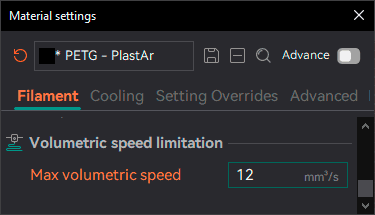
Update the filament profile and save it.