 3DP Hub
Retraction Length Calibration
Published
Minimizes stringing and oozing while reducing extruder clogs and wear. High retraction can cause melted filament to travel back into the extruder. Low retraction can cause quality issues.

Search
1. Slicer Compatibility
This guide applies to Orca Slicer and it's forks, which include:
- Creality Print
- Orca-Flashforge
- Snapmaker Orca
- Helio Additive Edition
- QIDI Studio
- Bambu Studio (Orca is actually a fork of Bambu Studio)
- Sovol 3D Orca
- Pantheon Slicer
- Artillery Orca
- Creality Print
- Orca-Flashforge
- Snapmaker Orca
- Helio Additive Edition
- QIDI Studio
- Bambu Studio (Orca is actually a fork of Bambu Studio)
- Sovol 3D Orca
- Pantheon Slicer
- Artillery Orca
Orca Slicer is an open source slicer, meaning people are allowed to create "forks" which is where they copy the code and create their own version. They have to follow the same open source license. All forks of Orca slicer include the calibrations. The main difference between slicers is the way they look.
It's best to use Orca Slicer for the calibrations as it has the most up-to-date code, and many of the changes made by forks end up trickling back to Orca Slicer. The tutorials on this website show Orca Slicer screenshots. If you prefer to use another slicer, you can always copy the settings over from Orca Slicer after running the calibrations.
2. Walkthrough
0%
1.
Click Calibration -> Retraction
2.
The default values are fine for direct drive extruders - click OK. If you have a Bowden extruder, increase the start and end values to 1 and 6, and set the step to 0.2.

3.
Slice and print the file.
4.
Use a ruler to measure the height of the section with the least stringing and oozing.
5.
Input the values into the calculator
6.
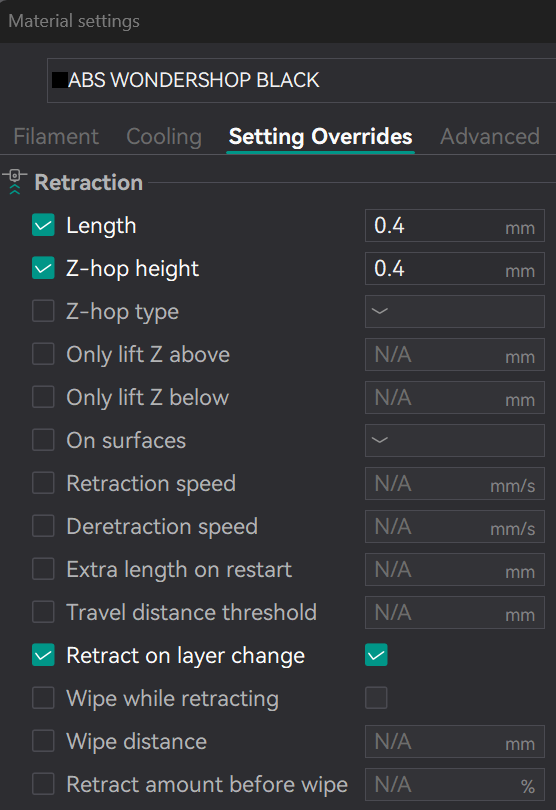
Update the filament profile with the new retraction length value and save it.